
REGISTERING YOUR ACCOUNT
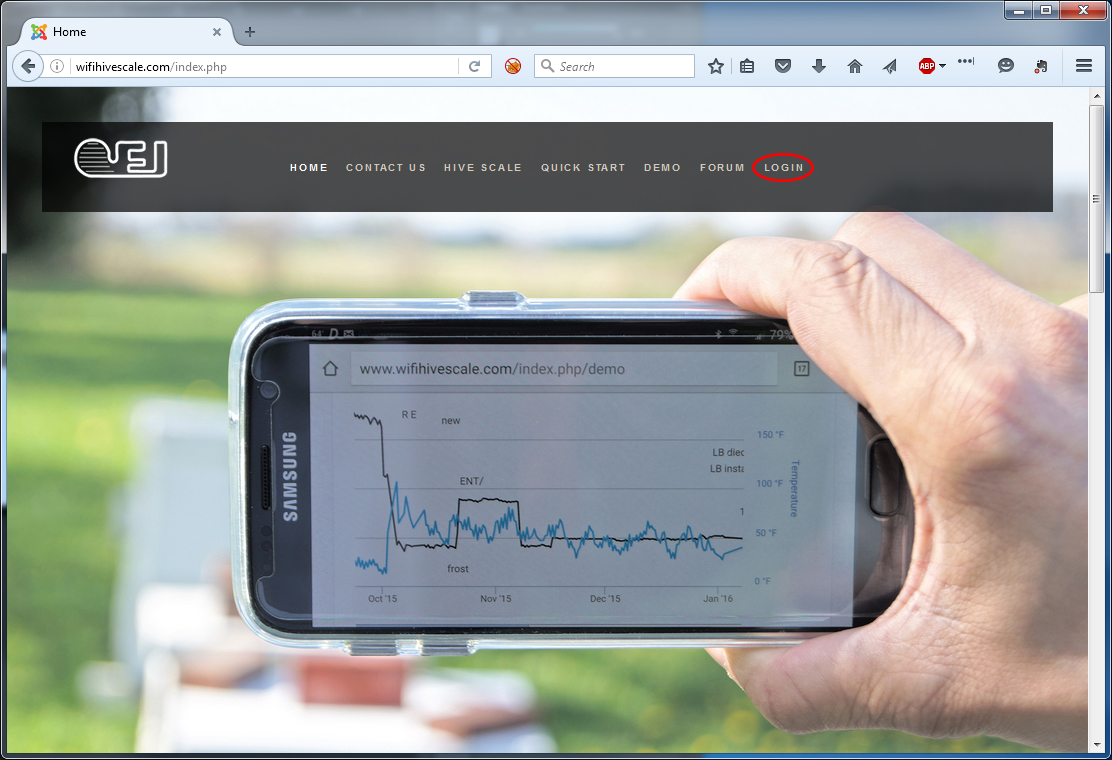
1) Navigate your browser to http://www.wifihivescale.com/ and select “Login” from the top navigation bar
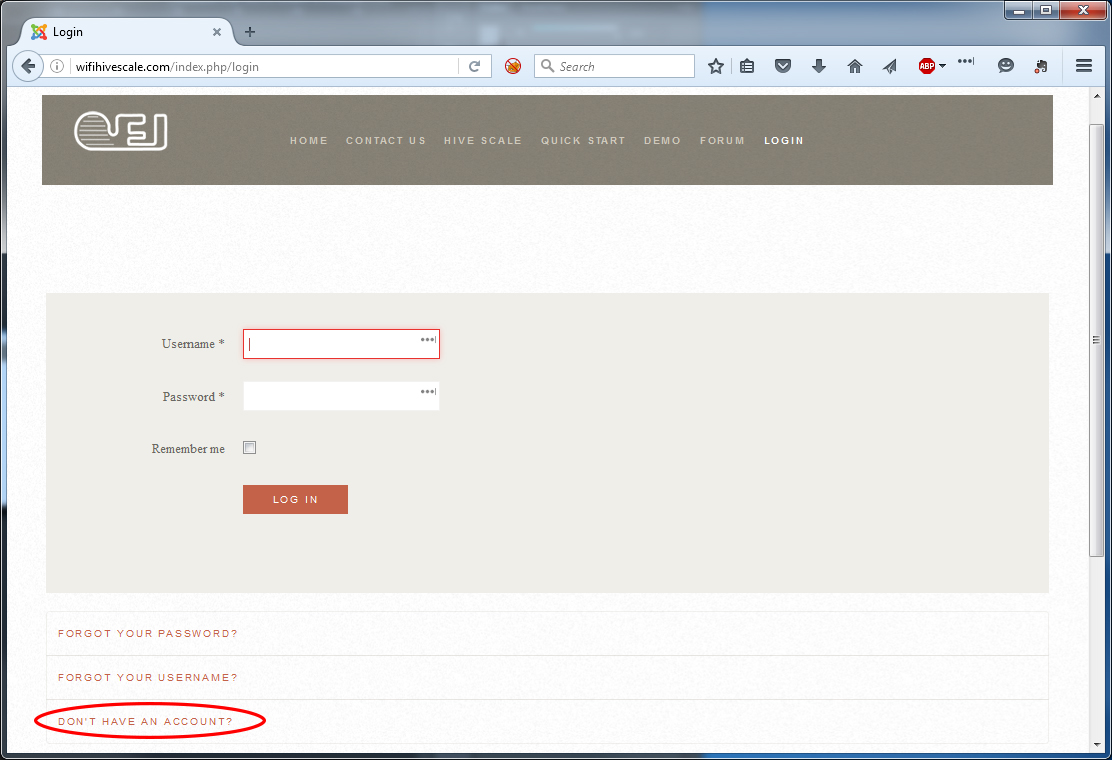
2) Select “Don’t Have An Account”
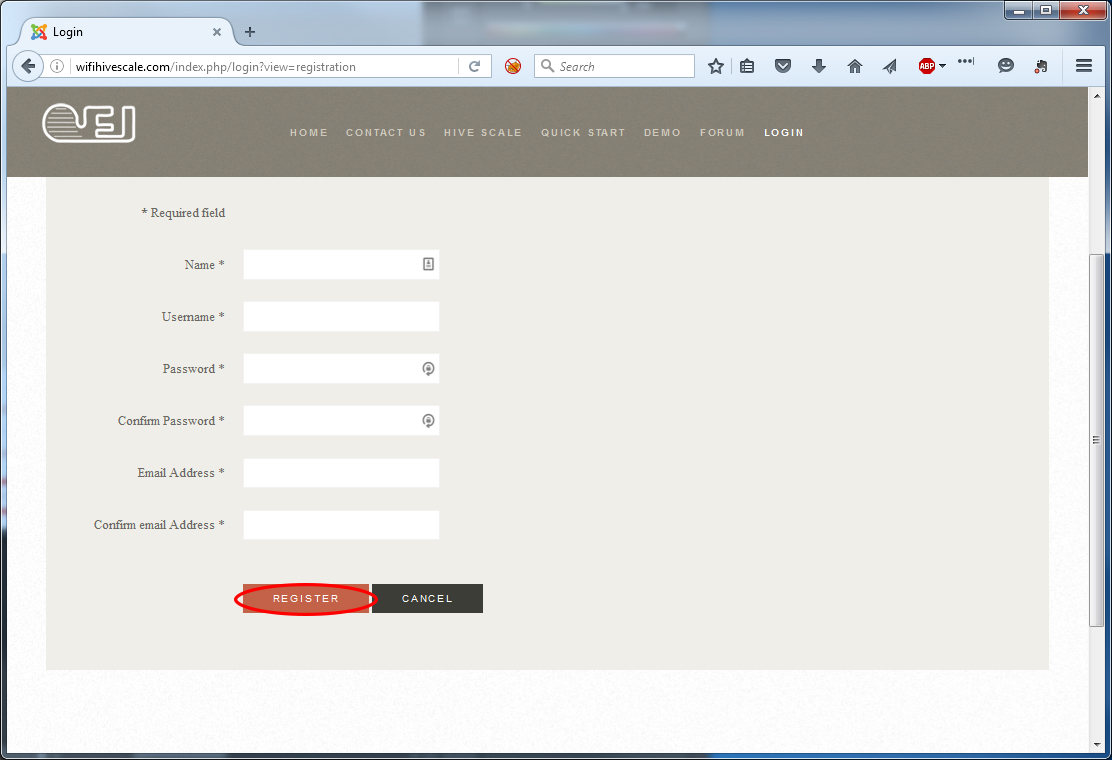
3) Fill in the required fields and click the "Register" button
REGISTERING YOUR WI-FI HIVE SCALE DEVICE
1) Navigate your browser to http://www.wifihivescale.com/ and select “Login” from the top navigation bar
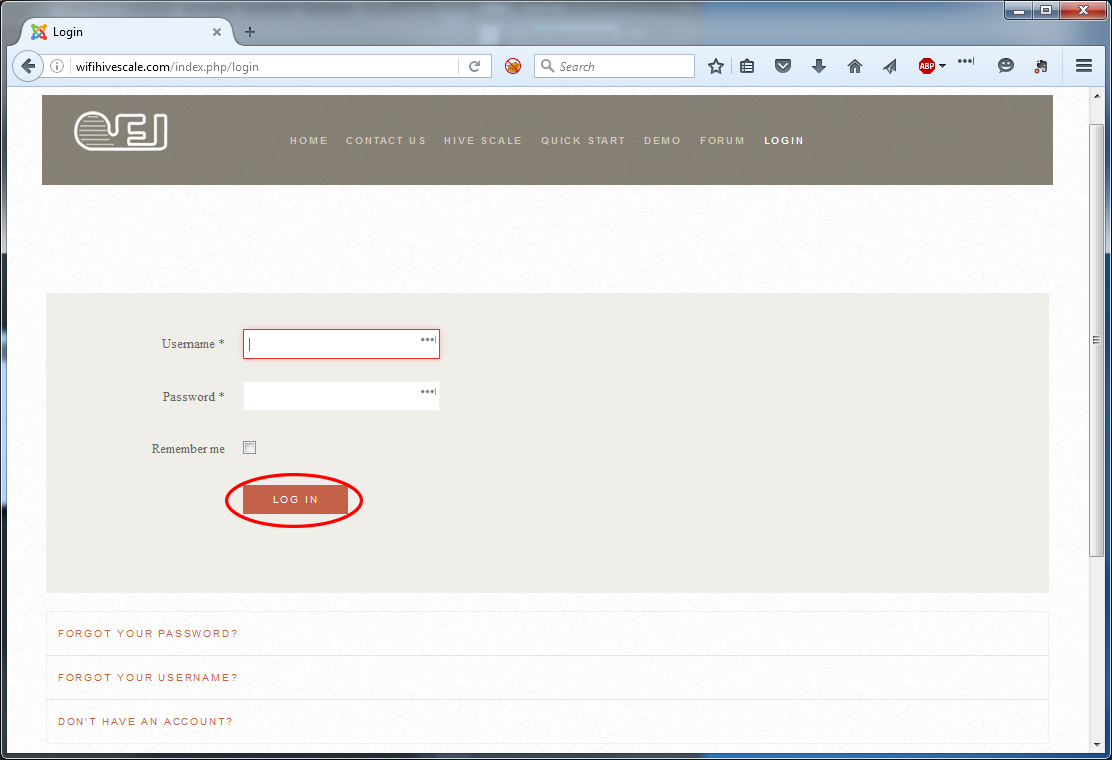
2) Enter your login name and password and click the “Login” button to access the Wi-Fi Hive Scale portal
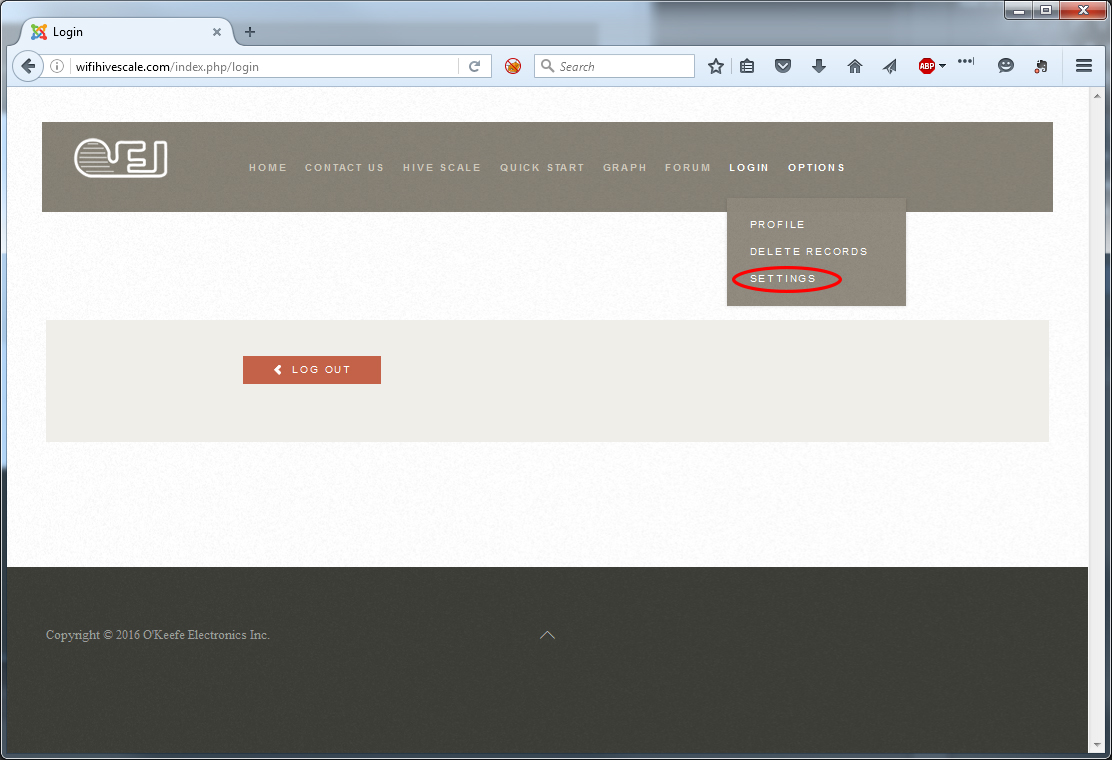
3) Select “Options” -> “Settings” from the navigation bar
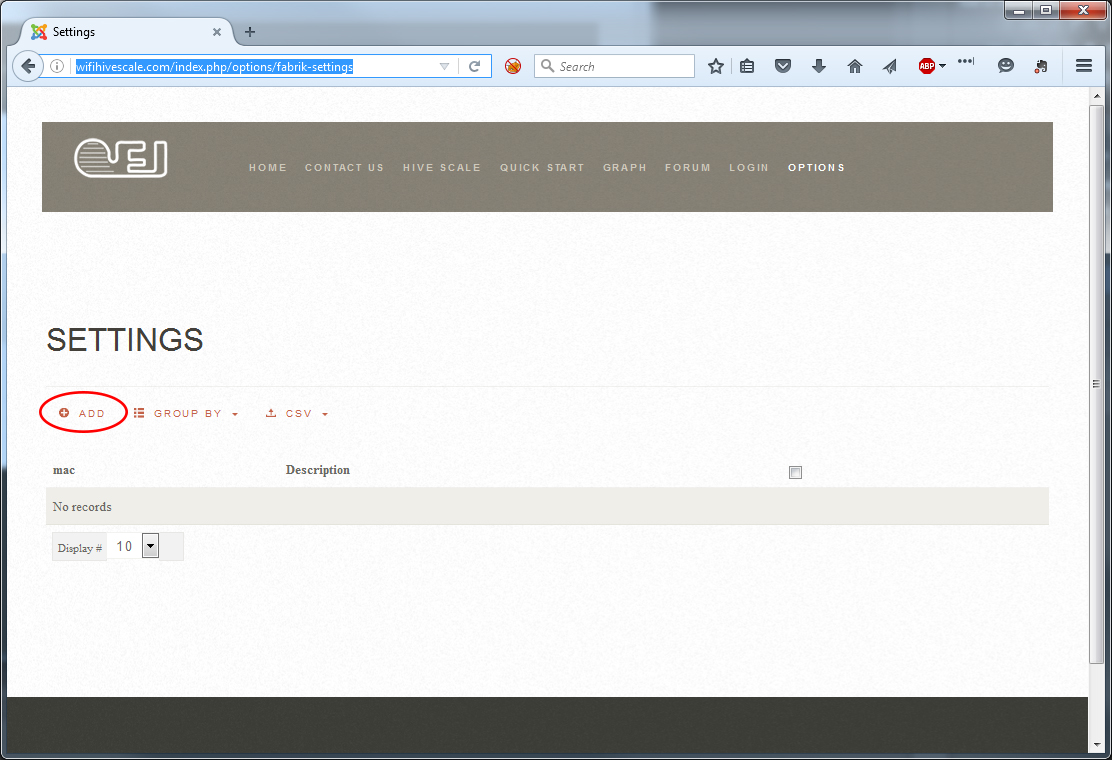
4) Select “Add”
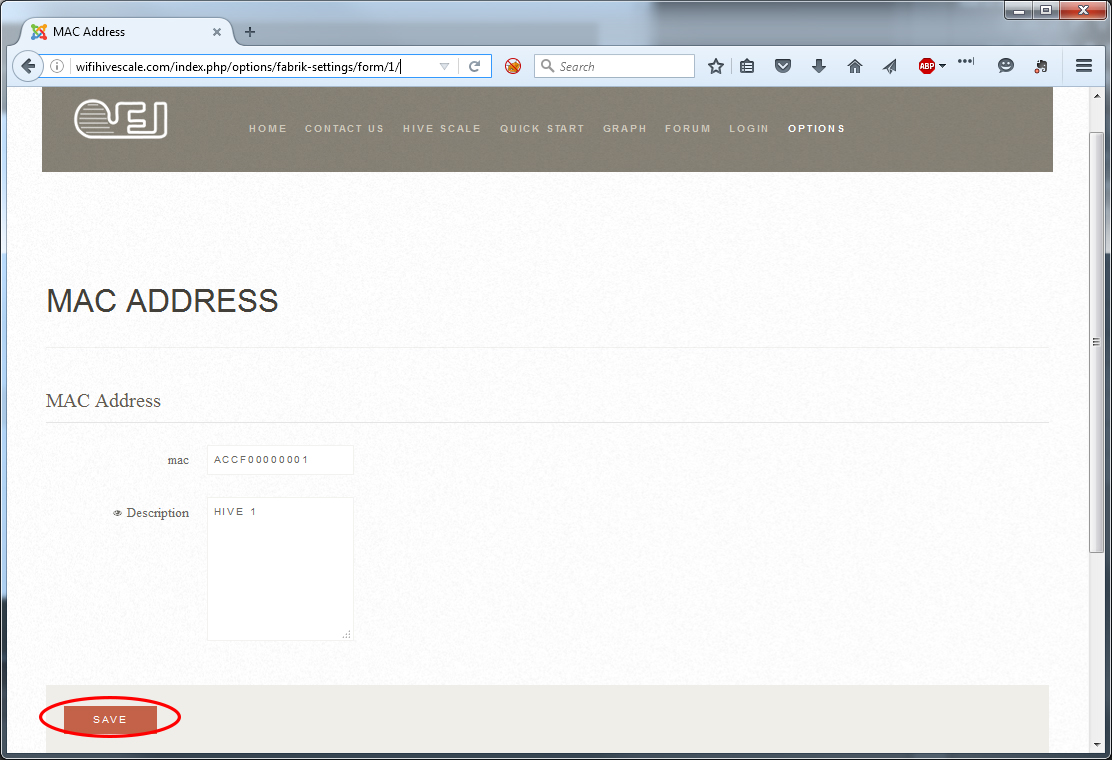
5) Enter the MAC address of your hive device along with a description and click the “SAVE” button. The remaining settings may be left at default. Your MAC address is printed on a label which can be found on the Wi-Fi Hive Scale. It is a 12 character serial number.
6) Your Wi-Fi Hive Scale is now successfully registered!